

Sticky Pop Stationery
Wireless Karaoke Speaker with 2 Mics
Wireless Karaoke Speaker with 2 Mics
Couldn't load pickup availability
A wireless karaoke speaker with two (2) microphones.
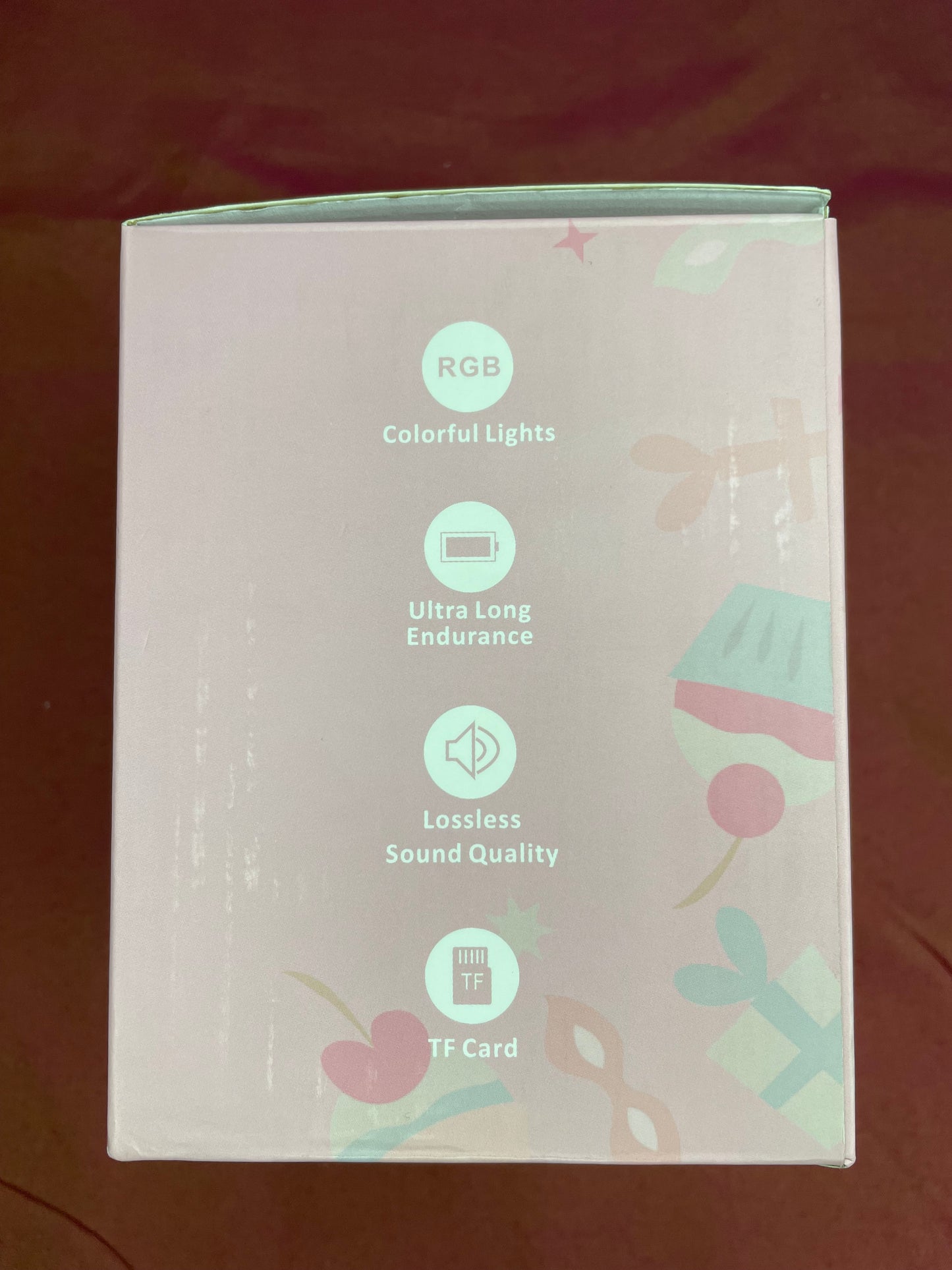
- You can play any karaoke rendition of a song and sing along using the microphones by connecting a device to the speaker via Bluetooth or an AUX cable or a TF card.
- The karaoke speaker can also be used as a standard speaker.
- You can utilize the four (4) magic voices on the microphones for karaoke or to frighten someone.
- The speaker has RGB-colored lights.
Product information:
• Product name: WIRELESS KARAOKE SPEAKER
• Product Model: P9
• Implementation Standard: GB-T9254.1-2021
• OUTPUT POWER: 5W
• Input Signal: 42DB
• Battery: High Performance High Capaci Lithium battery
• Charging voltage: DCSV
• Frequency range: 90Hz-18KHz
• Power mode: DC charging and built-in Battery
Main functions:
• High reduction electro-acoustic system
• 3.7 V high performance battery
• Sound penetration, wide coverage
• Super MP3 audio decoding technology
All digital audio processing, Clear voice
• Quality, High sensitivity
Frequently asked questions:
I. It the indicator light does not turn on, please check whether the audio power is sufficient, or to connect the audio to 5V/LA power supply for charging, charging time is about 3 to 4 hours.
2. There is no sound in the microphone. The power supply is not on, the mode is not correct, or the volume is not adjusted. Please adjust the volume of the microphone.
3. If the stereo does not have reverb, the reverb switch may be off, please turn on the reverb switch.
4. If the microphone is noisy, it may be due to ambient noise, signal interference, microphone too close to the speaker, etc., please re-adjust the direction of the microphone.
5. If Bluetooth playback is interrupted, it may be because the Bluetooth is too far away, or there is an obstacle between the phone and the loudspeaker, affecting the signal transmission, please close to the connected phone, avoid the obstacle.
6. If Bluetooth can not be connected, it may be because the distance is too far, there are obstacles, or by other phones connected, please close to the phone to avoid obstacles, disconnect the phone.
7. If you can not charge, check whether the charger is normal, audio charging, the charging port of the red light is on.